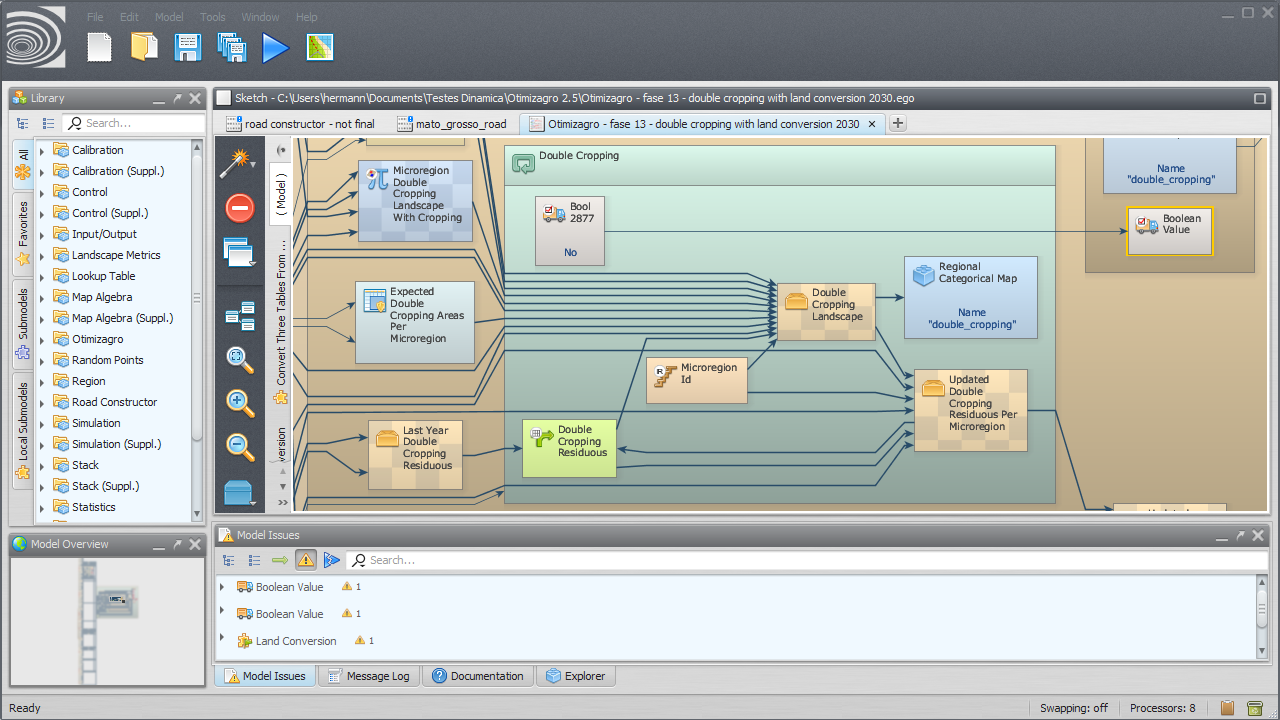
Interface Elements — the Functor Library, the Sketch, tabs and action bars, connecting and copying functors, the Overview, Explorer, Issue Panel, Message Log, Documentation Panel, and panel search filters.
Functor and Port Editors — port tooltips, the editors of the calculator functors, the editor of each port type, and wizards.
Submodels in the GUI — creating, instantiating, updating, importing, installing, and deleting submodels in the interface.
Options and Performance — workers, memory management, native expressions, virtualization, message log level, model backups, EGO Script formatting, file paths, and loading files from zip files.