Movies and Command Line
Two ways to produce output from the Map Viewer: movies from a series of maps, and images from the command line.
Making a Movie
The Map Viewer generates mp4 movies from a set of maps. This is useful because:
- Movies display temporal changes in presentations.
- Any device or application that supports mp4 can play the movie; it does not depend on map formats or on Dinamica EGO.
- The generated frames can be saved separately as PNG files, for use in other movie creation tools.
How Movies Are Built
A movie is a series of frames displayed at a given time interval. In the Map Viewer, the loaded maps are the frames: configure the main viewer area as it should appear in the movie. Zoom, pan, histogram curves, the palette of each map, and transparency are kept in the movie.
Steps
- Load the maps to display. See Loading Maps.
- Configure the transformations, histogram curves, and color palette.
-
Open the movie maker.

-
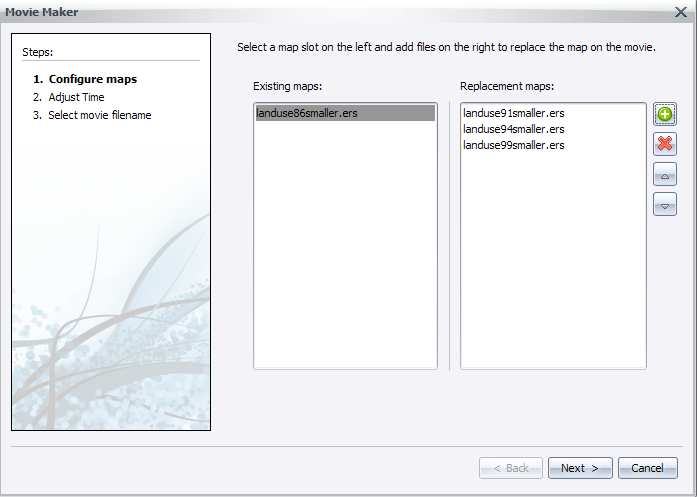
In the wizard, select the frames to be replaced (left column) and the frames that replace them after each frame (right column).
-
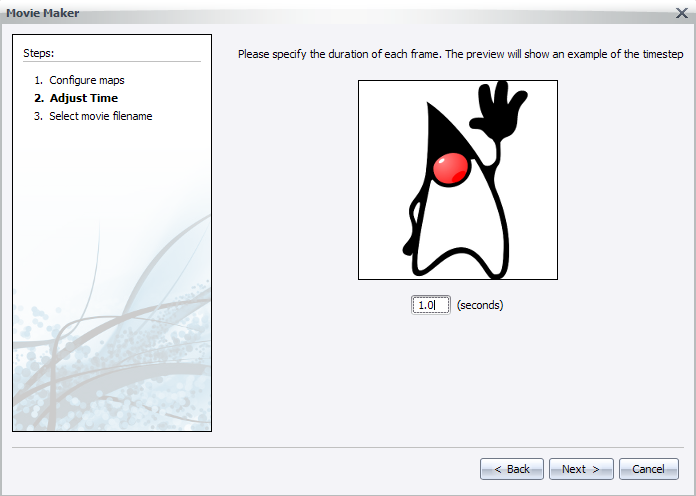
Set the time between frames. A preview shows the replacement speed.
-
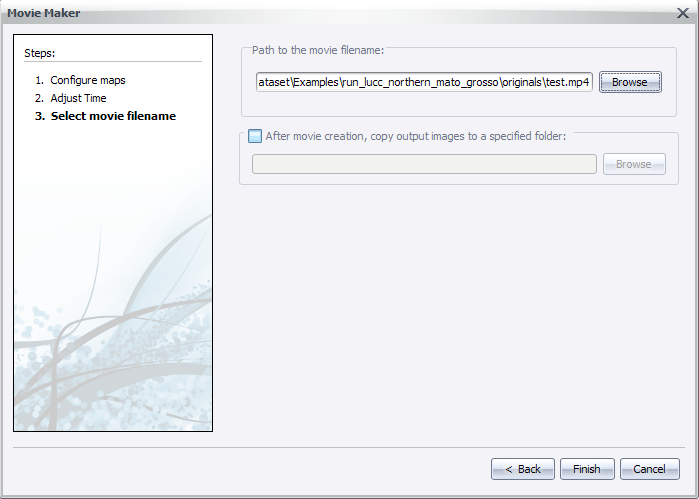
Select the path of the output mp4 file and whether to keep the generated frames.
-
Click Next and wait while the movie is generated.
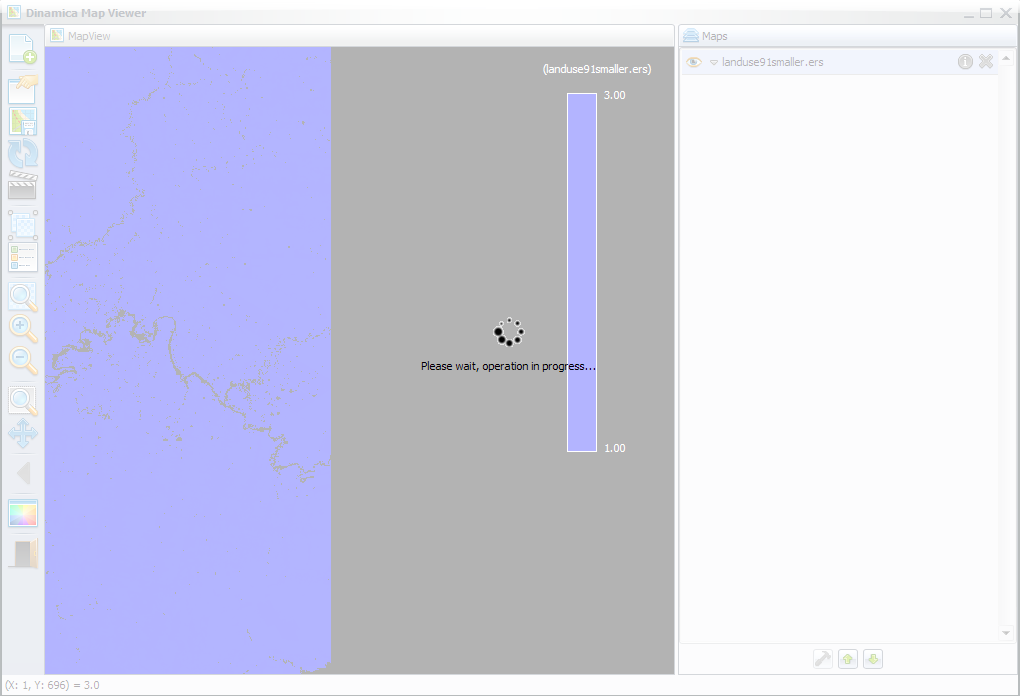
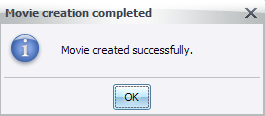
The frame names in the Map column of the main window show the progress. A notification appears when the process finishes.
Map Viewer Command Line
The Map Viewer can run as a command line tool that loads an .egov file (a saved viewer state) and saves the resulting stack of maps as a .png image.
"<Folder where Dinamica EGO is installed>\DinamicaMapViewer" <egov filename> <resulting png filename> [png width] [png height]
| Parameter | Description |
|---|---|
| egov filename | The location of the egov file. |
| resulting png filename | The location where the png file is saved. |
| png width | The width of the output png file. Optional. |
| png height | The height of the output png file. Optional. |
Example:
"C:\Program Files\Dinamica EGO\DinamicaMapViewer" "c:\Maps\maps.egov" "c:\Outputs\result.png" 800 600